Showing posts with label php. Show all posts

Tuesday, April 1, 2014

Develop Questionnaire and forum using php

For this week class we learnt how to create questionnaire and forum using php.

First, lets start with questionnaire.

1.You need to set up the database first.
 Login>create table>save

2. Open dreamwever>new>php
3.Toolbar layout>div tag.Next, insert form.
4.Type questions.For the answer we will use radio group. Click insert>form>radio group

-name type bangsa
-Label type the options/answer such as melayu,cina ,india and put the value 1,2,3
-click + if you want to add another option
-layout  using tick table
-click ok, and you will get this view

Besides, you also can tick *checked to the answer.This prevent user to leave unchecked for the question.

5. Insert Submit button.
6.Save your file and name it as quiz.html
7.Go to window>server behavior>insert record>after inserting, go to:thankyou.html ( will create later)


8.Now,we will create thank you page. File>new>html>type your text>save as thankyou.html


9.Here is the answer that have been key in
10.Other than that, we also can do analysis based on the answer. Such as, how many students agree for the question 1 b?

11.File>new>php>insert table>type text>


 put cursor at the table>server behavior>recordset>change name>connection;dmx>table choose quiz>columns tick all>filter: umur, = and entered value ,2 ( this refer on the value you insert at radio group)>ok


server behavior>display record count>display total record>choose recordset according to the name you have entered before>ok


arrange nicely by table

here is the preview

12.You also can find how many males with age 13-15 by using options advanced in recordset.This video might be help.


Forum tutorial will be in next entry.


Friday, March 21, 2014

more about php

Ok,first i'll share about the problems I encountered.

1. Using user authentication- no table found


   and when i click preview at previous exercice ( login.php) , this error came out:


Solution: Site>Manage site>check setting

2. When i closed my dreamweaver and opened it back to preview my project, this pop out came out.I posted my problem at the facebook group and a few of them says we dont need to set up each time we open the dreaweaver. The settings will be connect automatically. 


Solution : Click OK.It will bring to site management.Fill the settings.It was weird because i already fill it last time.So, ignore that feeling, and i just filled it.Clicked done, and this pop out came out and OK!


To double check it, I closed the dreamweaver, opened and previewed it...and it success.No pop out come out.

3.Using update record(updateuser.php), this pop out came out after i fulfilled all the empty box


Solution: phpMysql>table>drop id>add new row>add 1 column at beginning of table>tick index and A_I 

--not done yet and the pop out still came out

close pop out>at updateuser.php, add one row above the username>panel binding>drag recordset id to field id

done!

I'm going to do the tutorial next time since too many things to remember and i just don't get the flow.


wuhuu.okay,michael jordan.I will try my best :D


Thursday, March 13, 2014

PHP

#Assalamualaikum

For this week class, we learnt how to create dynamic webpage using php. Since i didn't bring my laptop so I just you use the computer in laboratory. And fortunately, the computer has been installed with XAMPP so there was no need to install it :) But still , i need to install when i'm using my laptop. So, here is the steps.

Installing XAMPP.

  • just download from the internet.easy and free: http://www.apachefriends.org/download.html
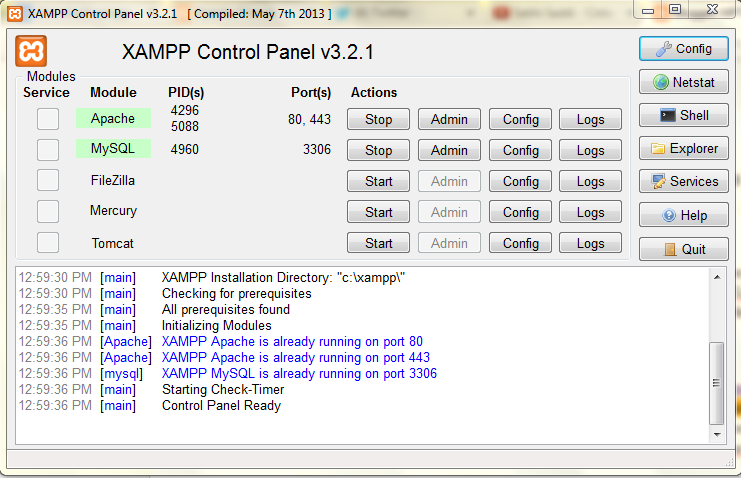
  • done downloading?okay.Now, you need to stop IIS from running( control panel>administrative tools>IIS>stop). Since IIS is automatically run each time you start your windows,you need to run mySQL and apache if you want to use it ( start>XAMPP control panel>apache>start>mySQL>start)

1.Creating database using MySQL
  • database name(info)>create>table>save. For this step, i refer to app3 that has been installed in ipad.
2.Create connection to database


  • Open dreamweaver>Open mySQL connection to do connection to the database in dreamweaver
3.Create php file
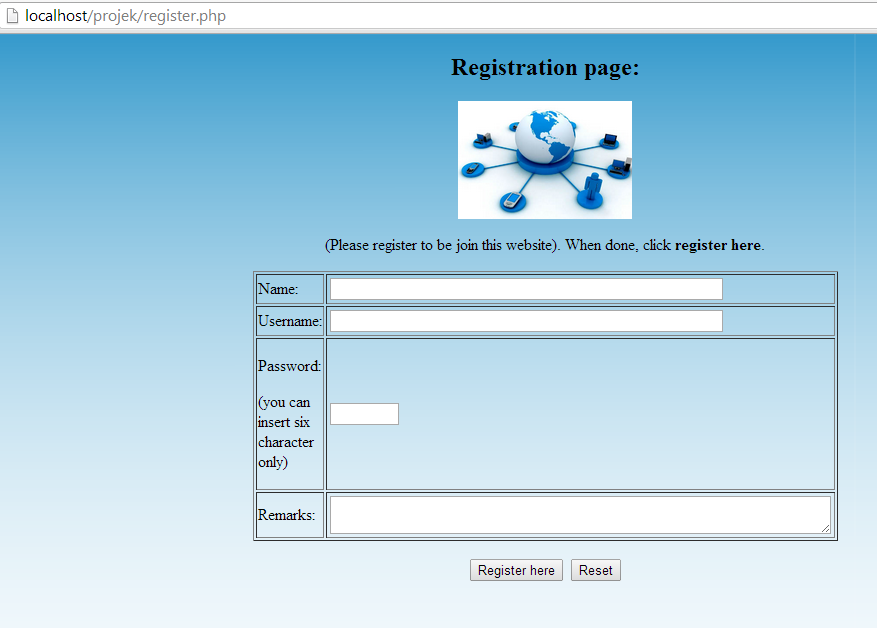
  • Name as register.php. We need to use form because user will key in their details.
4.Use insert record.
  •    Data that have been entered by user will be saved into database.
5.Create another php file
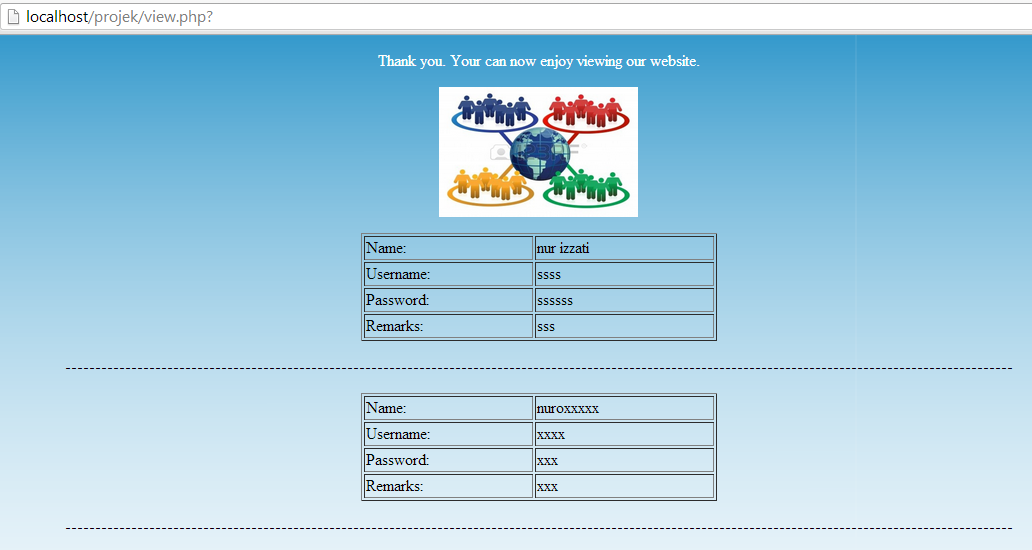
  • Name it as view.php.View.php will display data that has been entered.

6.Use recordset. 
  • Data will be read back/view from the database and display at view.php
7.Use repeat region
  • to view all that that has been entered by user


***don't forget:After done php file.double check the insert record.Open register.php,go to server behavior, double click insert record (at the box), go to option {after inserting, go to}, choose view.php.


Okay, so this is the preview of my file (register.php) and view.php.


ASP VS PHP?

From my experiences , PHP is more easy to use as I can develop this simple registration page in about 20 minutes I guess. While, when using ASP i finished it in 3 days as i'm  facing so many problems ( refer to my last entry). When using ASP, there are so many settings need to be set up before you start developing the dynamic webpage ( such as ODBC ). But for php, you just need to set up a few settings in xampp, create table easily save and just start creating file in php.Besides, there will be no error for php. So, I prefer php as it wont give me stress.haha
**will be update more later

todays quote: